Jukebox
A desktop player for the music on your hard drive. I built Jukebox around two things: a local collection and a keyboard.
From folder to library
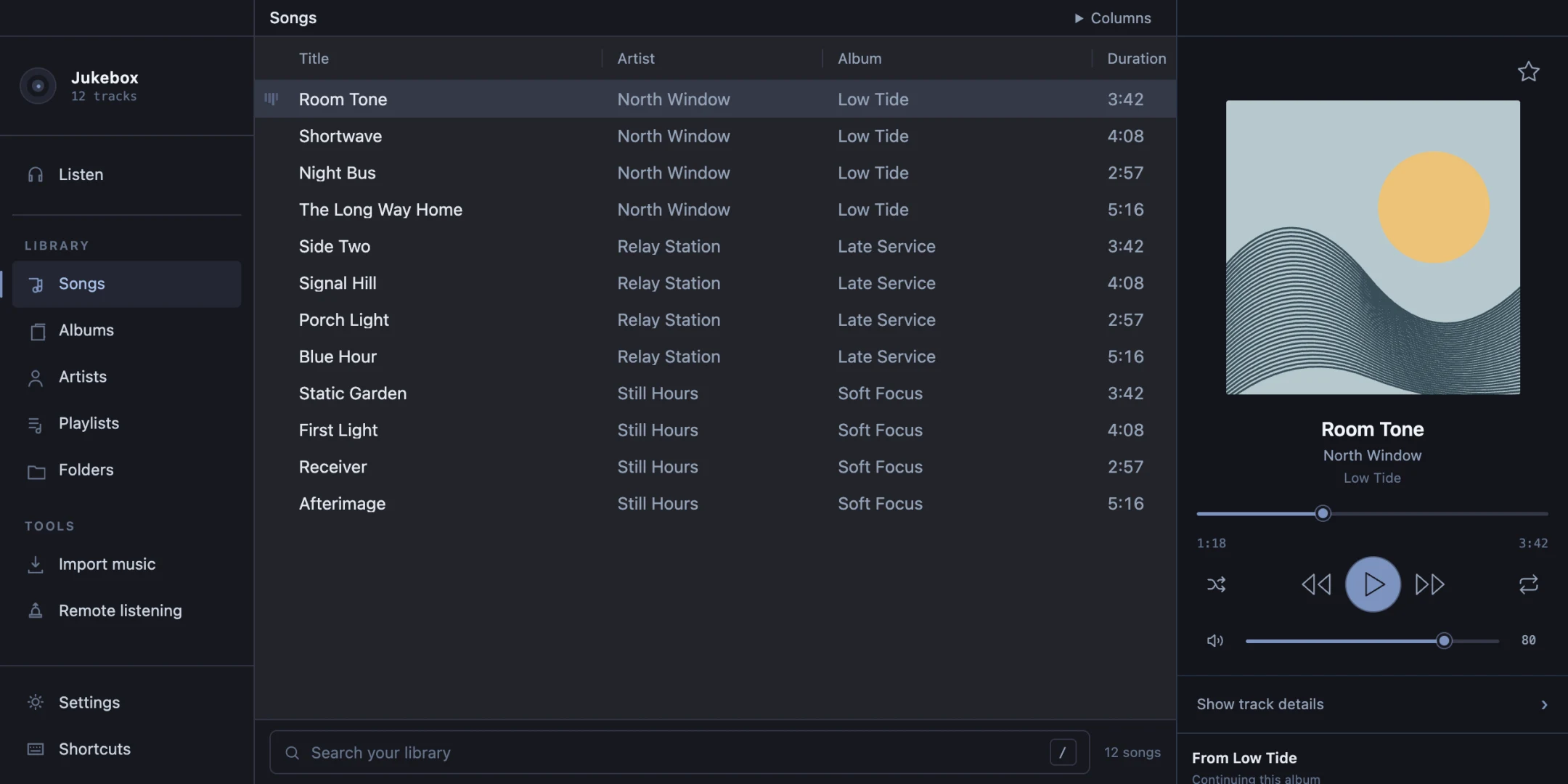
Drop in a folder and Jukebox reads the tracks, artists, albums, and cover art. I kept the folder view, too. Sometimes I remember where I put a record before I remember what it was called.
Back in rotation
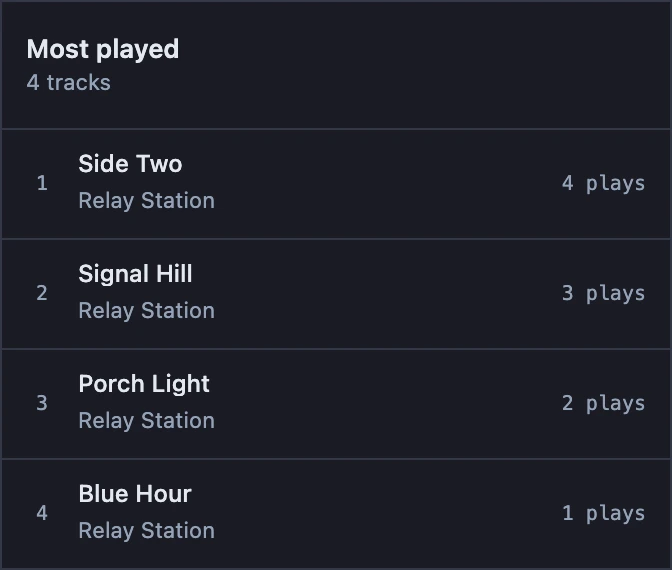
The Listen view puts three lists next to each other: what I played recently, what I keep coming back to, and what I haven’t played yet. They all come from the same library, but each gives me a different place to start.
Picking the next song
I wanted picking a song to feel closer to moving around a text editor. Search for an artist, move down a few tracks, then play one or add it to the queue without reaching for the mouse.
- /
- Search
- j / k
- Move selection
- Enter
- Play selection
- q
- Queue track
Away from the desk
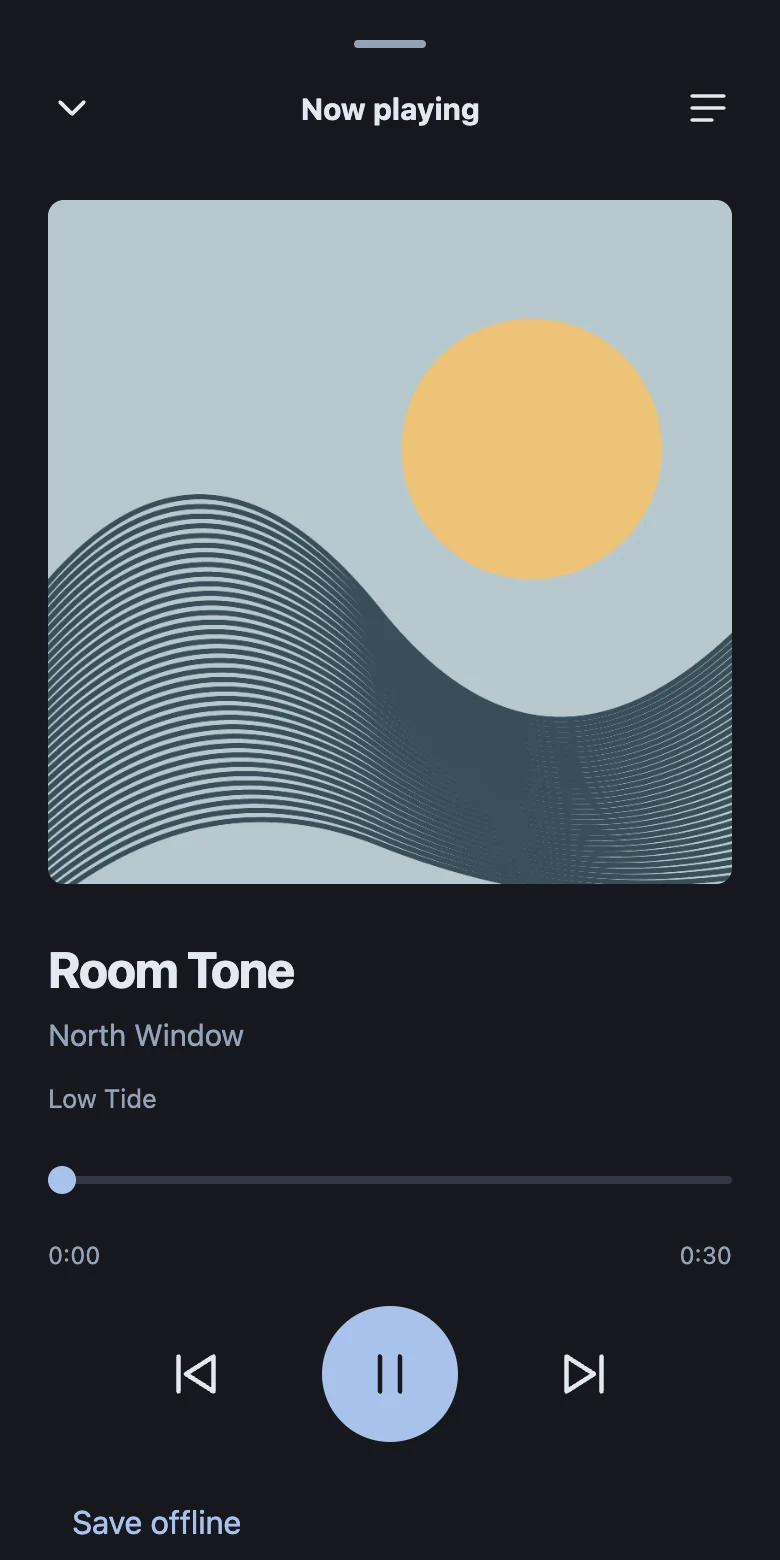
I wanted the same records on my phone without keeping a second library. With remote listening turned on, my desktop serves the music and my phone plays it in the browser over my private Tailscale network. I can browse albums, queue the next track, or save a song for when I’m offline.